Five steps from “I have a spreadsheet somewhere” to “every vendor has their own portal.”
Build your run sheet
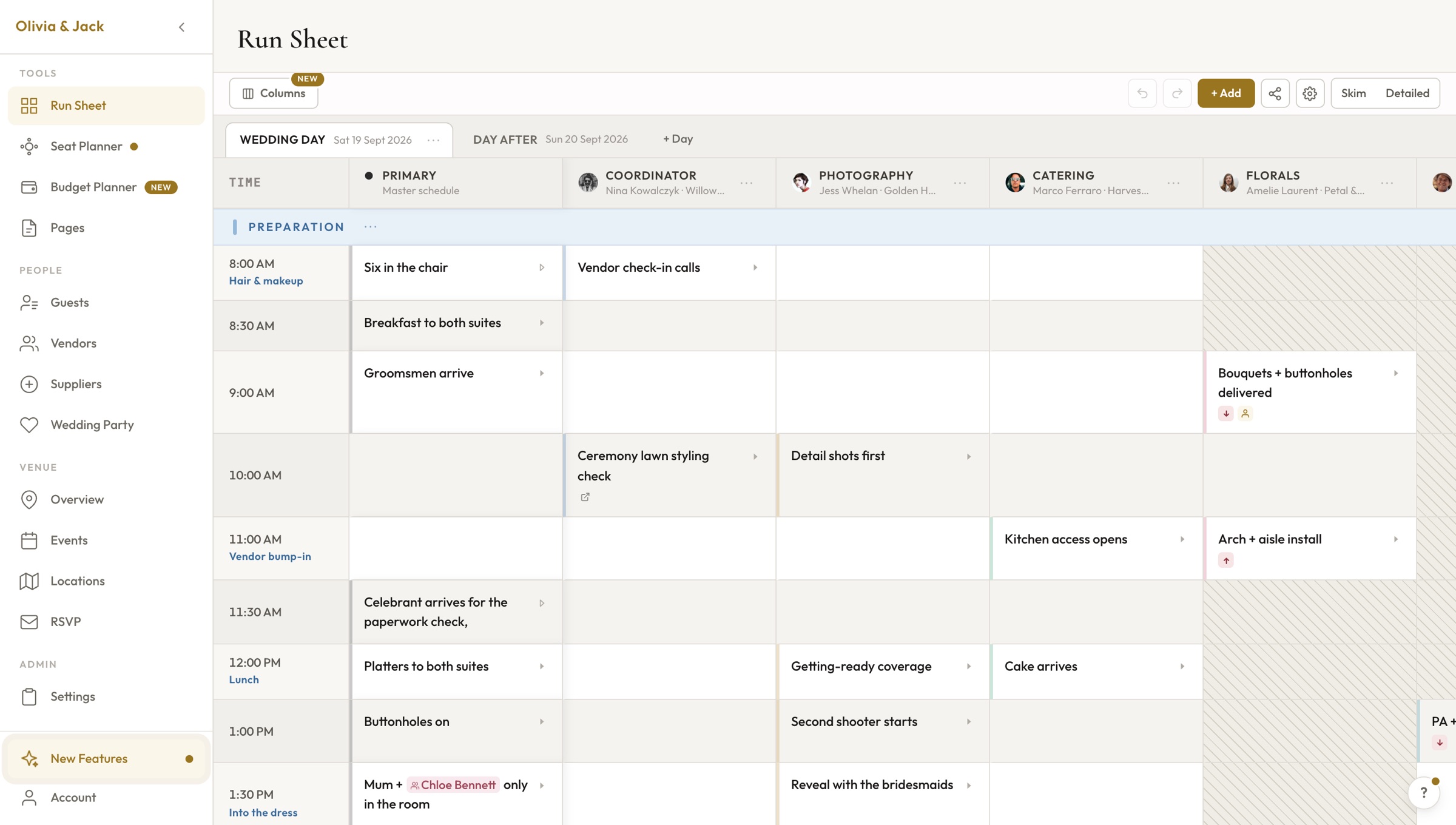
Rows are time slots. Columns are vendors. Click any cell and type what needs to happen at that time for that vendor. It works like a spreadsheet, but built for wedding days.
Add time slots in 5, 10, 15, or 30-minute intervals
Color-code phases: prep, ceremony, cocktail hour, reception, close
Import from a CSV or start from a template
Scott Horsburgh
Photographer
Sonia Flores
Florist
Little Wolf Entertainment
DJ / Band
Jamie Ross Films
Videographer
Add your vendors
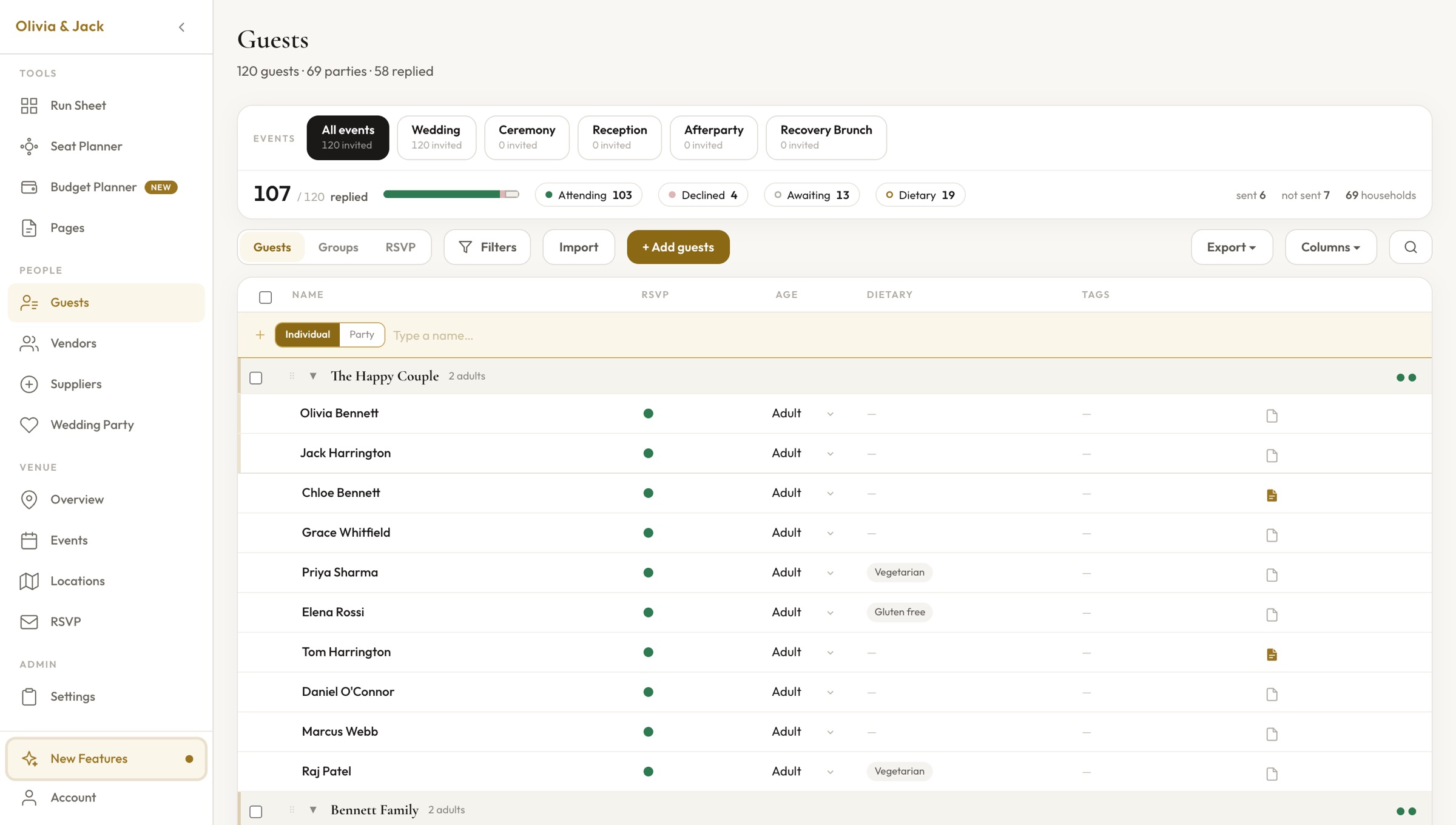
Add each vendor with their name, role, phone, and email. PlannedBy generates a unique access code for each one. Their column in the grid is automatically linked.
Unique access code per vendor — use names, words, or random codes
Contact details stored in one place
Add unlimited vendors (paid plan) or up to 3 (free tier)
Share vendor portals
Each vendor gets a link and access code. Text it, email it, WhatsApp it — whatever works. They enter the code and see only their filtered timeline. No account required.
Sent via iMessage
Update in real-time
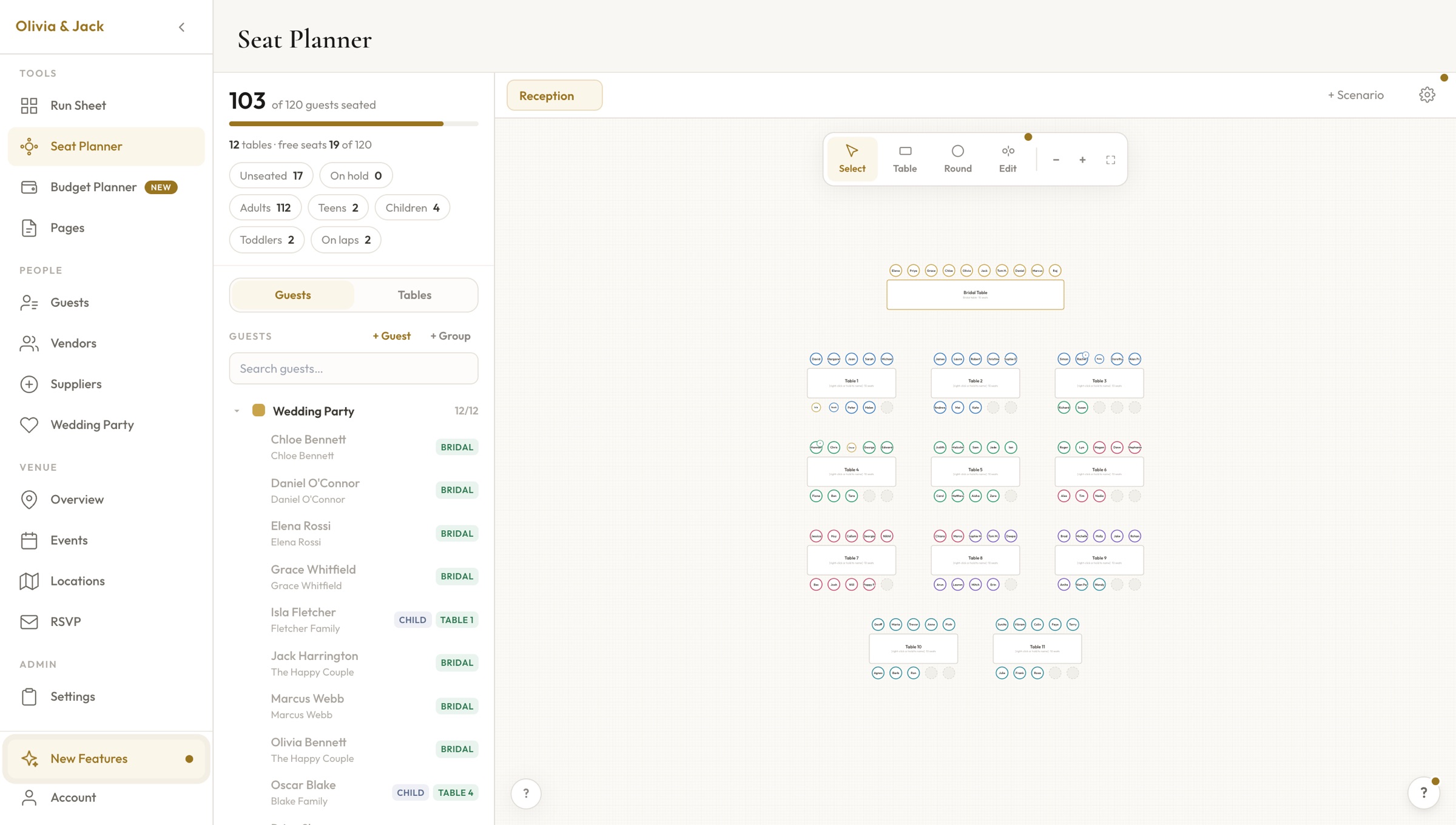
Move the ceremony from 4pm to 4:30pm? Every vendor portal updates. No need to re-export a PDF, re-send an email, or call anyone. One edit, everywhere.
Edit the grid, portals update instantly
No version control nightmares — one source of truth
Offline mode caches the latest version for venue wifi blackouts
Wedding day
On the morning of the wedding, every vendor opens their portal and knows exactly where to be and when. No frantic texts. No confusion. You get ready in peace.
Frantic morning texts
Source of truth
Vendors coordinated
Enjoying your day
Start free. Add your vendors. Share the link. Your entire wedding day coordinated in about 15 minutes.