The Knot Wedding Checklist vs PlannedBy: Who Covers What
The Knot's wedding checklist tracks tasks up to the big day. PlannedBy's run sheet covers the day itself. Where each tool helps, checked against both.
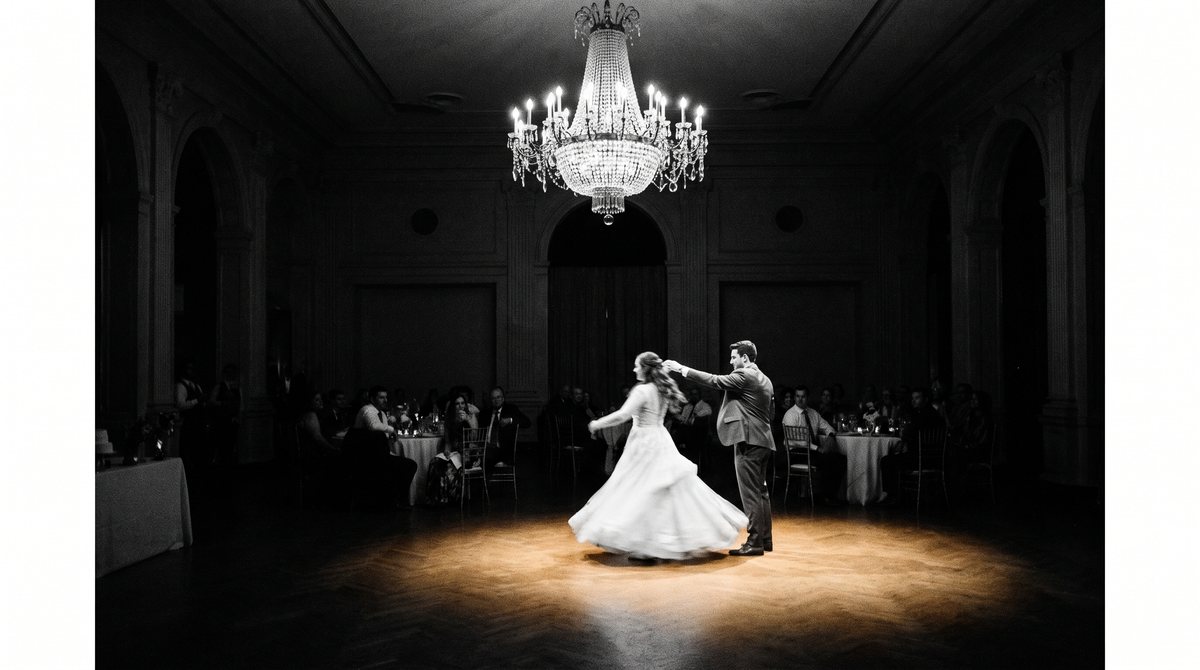
The Knot checklist looks like it covers the whole wedding. It covers almost everything about planning one, and stops short of the day itself. The average US wedding now runs $34,000, 117 guests and 13 vendors, and the checklist is built to keep every task on that path ticked off on time, right up to the ceremony.4 Where its job ends is exactly where PlannedBy's run sheet starts, and the two documents are a poor substitute for each other in either direction.
At a glance
| The Knot | PlannedBy | |
|---|---|---|
| Checklist / task list | Yes, account required1 | No |
| Budget tracker | Yes2 | Yes |
| Guest list | Yes2 | Yes |
| Day-of schedule | Editorial timeline article with a template3 | Computed from the ceremony time |
| Account to use | Yes, checklist is free1 | Yes, Free plan, no card |
Where the checklist's job ends and the day itself begins.
Criterion 1: Pre-wedding task management
The Knot's checklist is an interactive tool reached through its planning hub, keyed to the wedding date.12 Opening it, adding or removing tasks, and having progress saved between visits all need a free account.1 The planning hub around it adds a budget advisor and a guest list manager, so the checklist does not sit on its own - it is the spine of a wider set of tools built to carry a couple from engagement to ceremony.2 This is the one criterion where The Knot has a real feature and PlannedBy has none: no checklist or to-do list ships anywhere in the product.
For a couple spread across many months of decisions - venue, vendors, dress, invitations - a running list that remembers what is done and what is not is genuinely useful, and nothing in PlannedBy replaces it. A couple is managing dozens of small tasks over roughly a year, each with its own deadline relative to the wedding date, and a tool built specifically to hold that list and check it off is doing a real job. Anyone whose immediate gap is "what do I need to do next, and by when" should be on The Knot's checklist, not here.
The Knot leads on pre-wedding task management. It is a real, free, account-based checklist. PlannedBy does not have one.
Criterion 2: Budget and guest list
The Knot's planning hub pairs the checklist with a budget tool and a guest list manager for RSVPs.2 PlannedBy carries both too, alongside the run sheet and seat planner. Neither tool has an edge here - a couple tracking spend or a guest count gets the same basic job done either way, and switching between the two products for either one would not change much about how the numbers get tracked.
This is worth stating plainly rather than skipping past it looking for an angle. The two products are not opposites across every feature, and a fair comparison says so instead of manufacturing a gap that is not there. Where they overlap, they overlap evenly, and the real difference between The Knot and PlannedBy sits in the two criteria either side of this one - the checklist itself, and the day the checklist is building toward.
Even match on budget and guest list. Both products cover this; it is not where the comparison turns.
Criterion 3: The day itself
A finished checklist means every pre-wedding task is ticked off. It does not mean the wedding day has a schedule. The Knot does publish a separate wedding timeline article with a free downloadable template for the day itself - a fair thing to note, because it is a real resource.3 It is editorial guidance, filled in by hand, not derived from anything, and it is a different tool from the checklist, built for a different moment in the planning process.
PlannedBy's run sheet generator builds the whole day from one input, the ceremony time: getting ready four hours before, guests arriving half an hour before, family photos half an hour after, reception three hours after, and send-off five hours after that. Move the ceremony and every downstream time moves with it. A checklist, or a static template, cannot do that - each one gets edited by hand, row by row, and a 20-minute change to the ceremony means retiming everything that follows it manually. That difference is the entire reason the run sheet exists as a separate document from the checklist rather than as one more line item on it.
PlannedBy leads on the day itself. The schedule is computed from the ceremony time, not filled in by hand.
Put a ceremony time into PlannedBy's run sheet and watch the rest of the day build itself.
Criterion 4: Signing up and paying
Both tools need an account - this is not a case of one being open and one being gated. The Knot's checklist is free once signed up.1 PlannedBy's run sheet and seat planner also need an account, but no card: that is the Free plan, with the rest of the product available after a single payment rather than a subscription.
The difference is what happens after signing up, not whether signing up is required. The Knot's free tier covers the whole checklist, and the business behind it does not need the couple to pay for that to make sense. PlannedBy's free tier gets a couple building the day before deciding whether the paid version is worth it - and if it is, that payment covers the one wedding, once, rather than a monthly charge for a product used over a single weekend.
Close to even on getting started. Both need an account; neither charges to try the core tool.
Who each one is actually for
A couple six months out with a long list of undone tasks - book the venue, confirm the caterer, send invitations - needs The Knot's checklist, and PlannedBy does not compete for that job. A couple with the checklist mostly finished, closing in on the date and needing to know who is where and at what time on the day, needs a run sheet, and a checklist was never built to be one.
Most people end up needing both documents at different points in the same engagement, not one instead of the other. The checklist runs for most of the planning window; the run sheet matters for a much shorter stretch right at the end, but it is the document that is actually open on the day, in the hands of the couple, the vendors and whoever is running the room. A wedding with an average of 13 vendors to coordinate needs that handoff to be clean, because nobody on site is reading a to-do list to find out where they are supposed to be at 4:30.4
Frequently asked questions
Does The Knot have a wedding checklist?
Yes. It is a free, interactive checklist reached through The Knot's planning hub, and it needs an account to use and to save progress.1
Does The Knot's checklist cover the wedding day itself?
Not directly. The Knot publishes a separate wedding timeline article with a free template for the day, but it is a different tool from the checklist, and it is filled in by hand rather than computed from the ceremony time.3
Does PlannedBy have a checklist or to-do list?
No. PlannedBy ships a run sheet generator, a seat planner, a guest list, a vendor list and a budget tool - no task list across the engagement.
What does PlannedBy's run sheet do that a checklist can't?
It derives the whole wedding day from one input, the ceremony time, and recalculates every downstream time if that time changes. A checklist or a printed template holds a list; it does not recompute one.
Do I need an account for either tool?
Yes, for both. The Knot's checklist is free once signed up.1 PlannedBy's run sheet and seat planner need an account too, with no card required for the Free plan.
Should I use The Knot and PlannedBy together?
For most engagements, yes. The Knot's checklist covers the months of tasks before the wedding. PlannedBy's run sheet covers the schedule for the day those tasks were building toward.
What to decide next
If tasks are still open, stay on The Knot's checklist until the list is done. Once it is, open a run sheet in PlannedBy and put in the ceremony time - that is the point the checklist was always going to hand off to.